
Type or speak
Add one entry or several in a sentence. Voice works too, so you can log a payment while walking out of the shop.
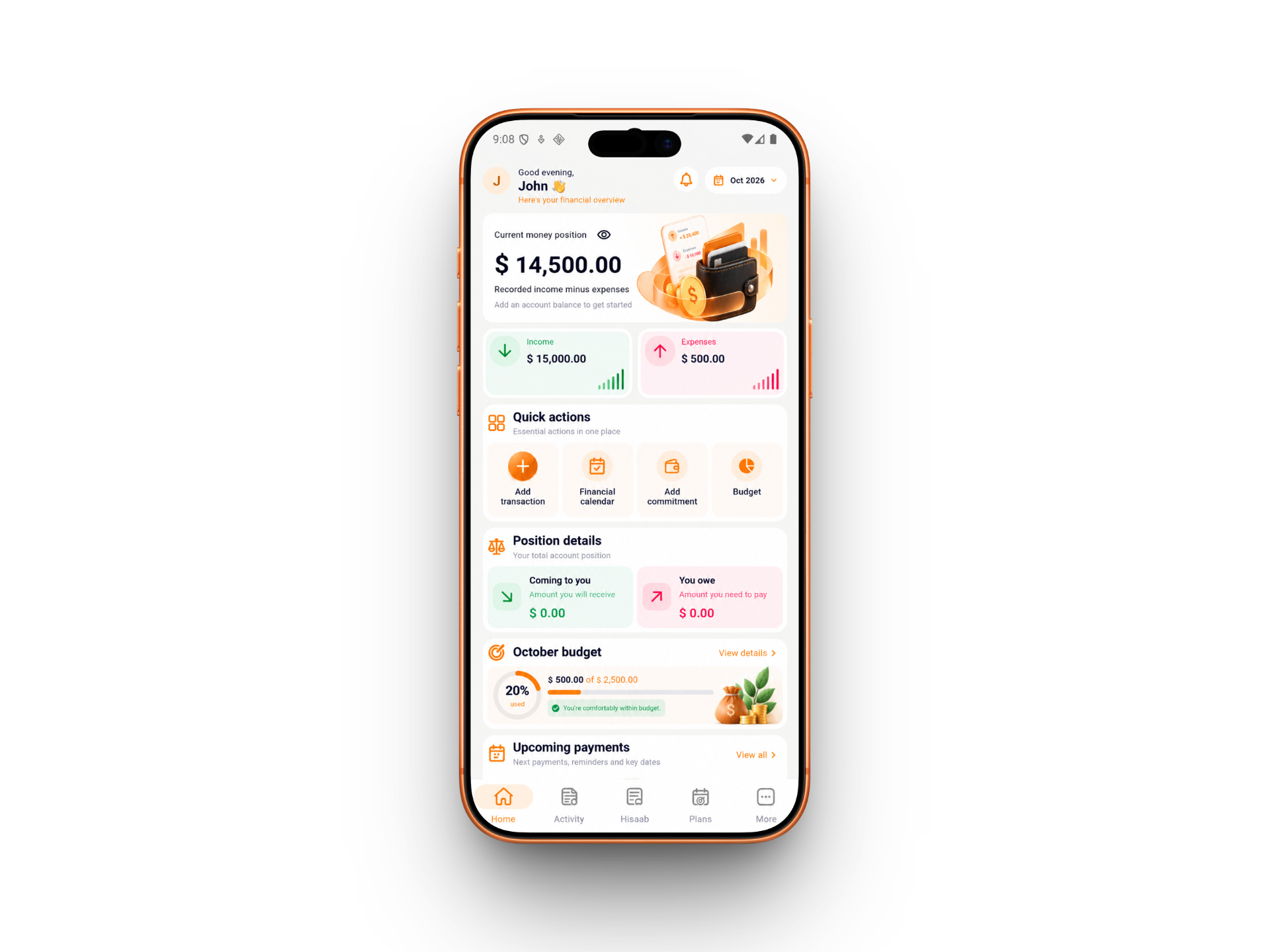
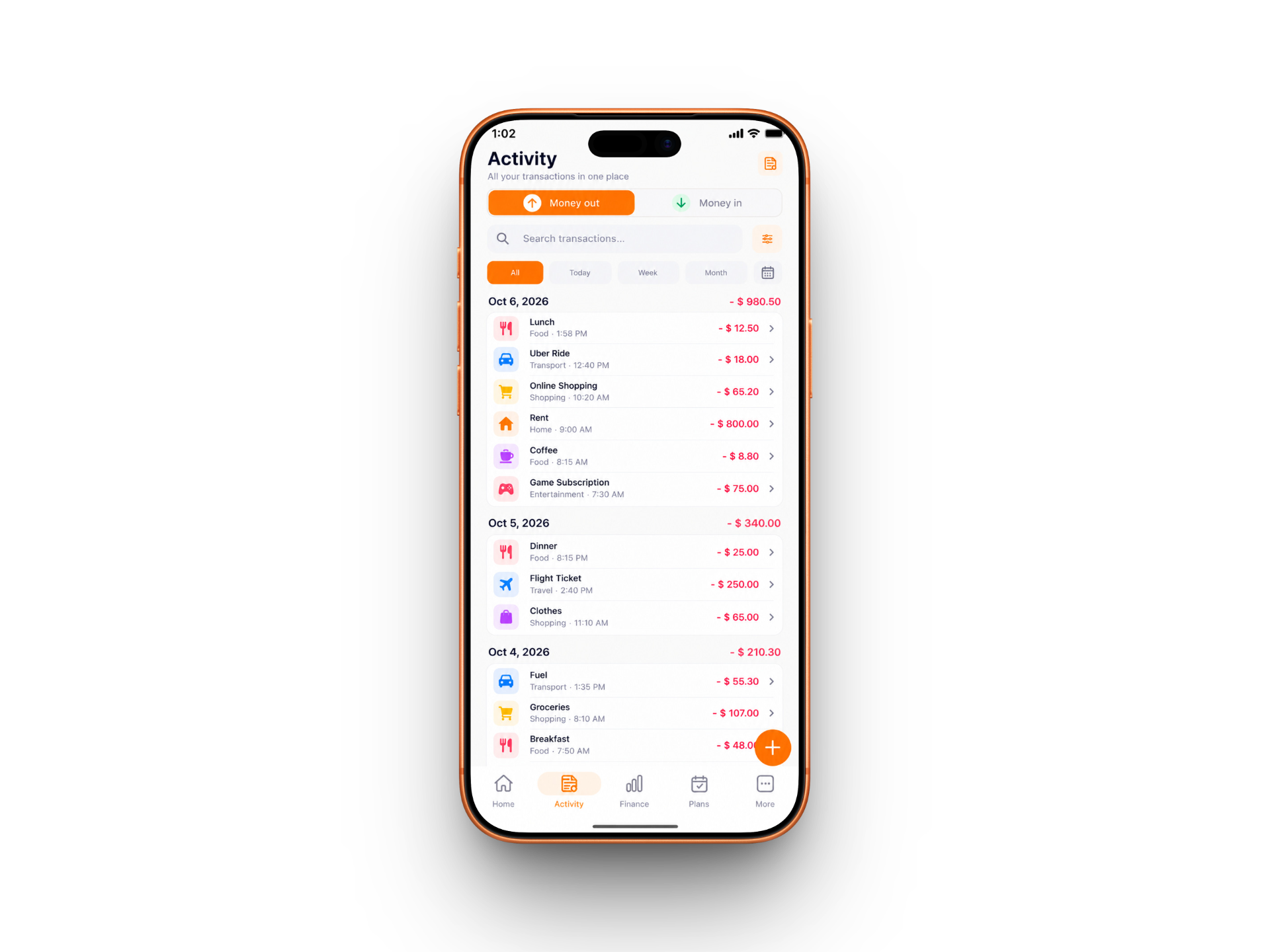
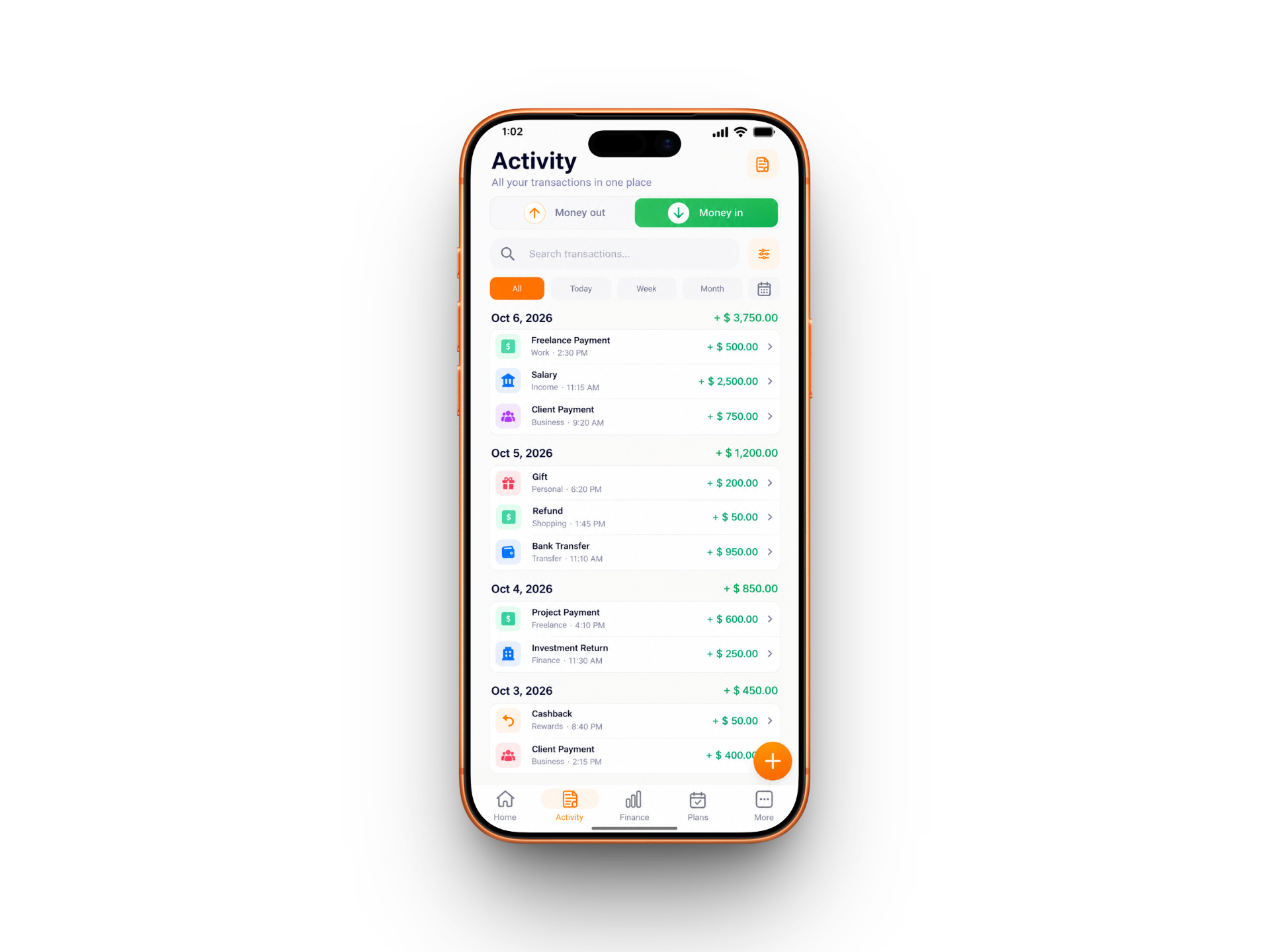
Type, speak or scan a receipt. SpendArc turns it into a clean transaction with the amount, category and date. Then it helps you budget, save and keep track of who owes whom.
Add one entry or several in a sentence. Voice works too, so you can log a payment while walking out of the shop.
Photograph a bill and SpendArc reads the merchant, date, items and the final payable amount, including tax and discounts.

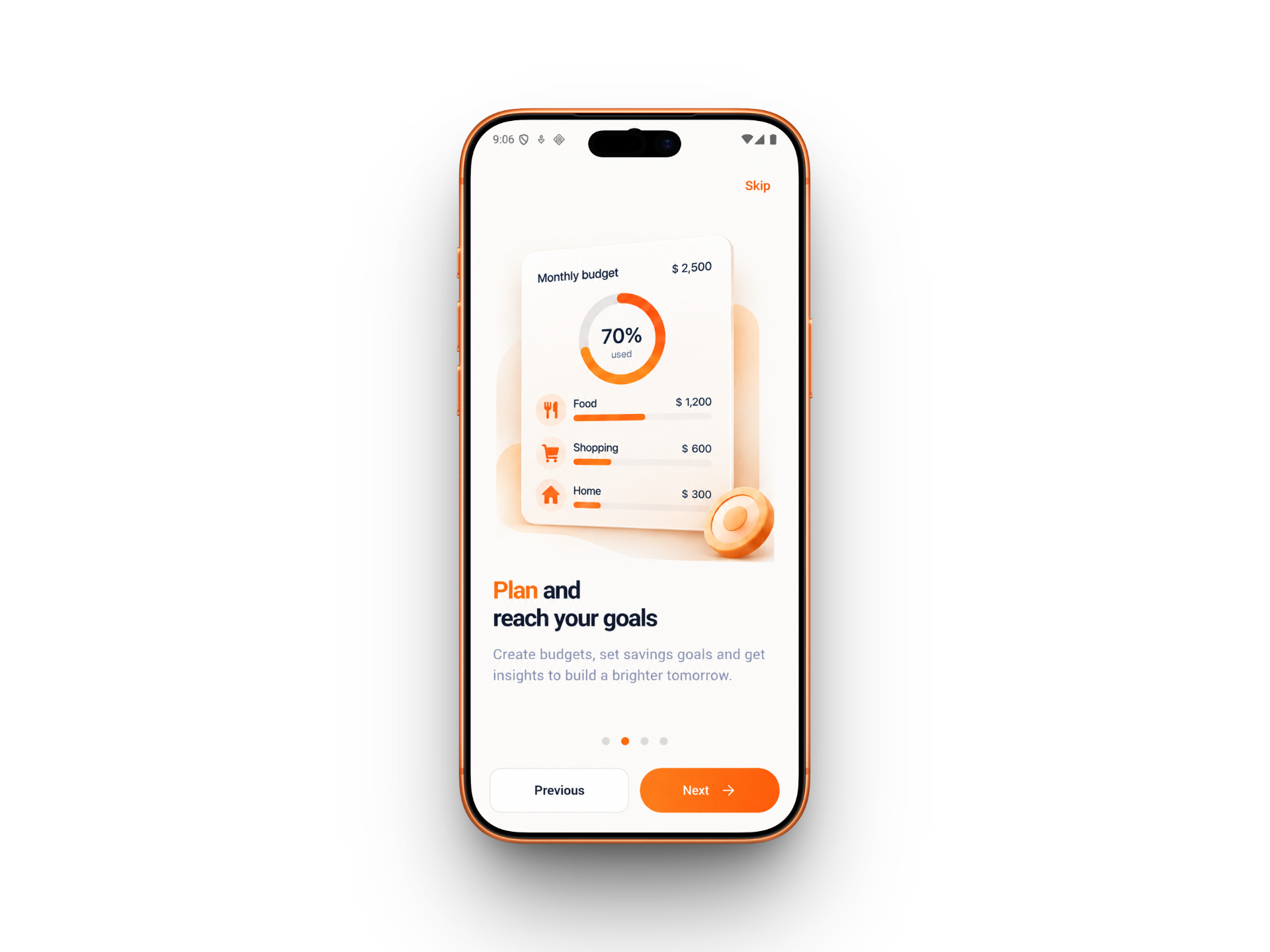
Set monthly limits per category and see what is left before you spend, not after the month ends.

Plan for a phone, a trip or an emergency fund. SpendArc shows how much to put aside each month to get there.
Keep track of money you lent and borrowed, with reminders a day before and on the due date.

Share expenses with family or flatmates, split bills fairly and settle up without a spreadsheet.
Bills, installments and savings-circle payments in one calendar, with reminders on your phone.

See where your money goes each month and ask questions about your own spending in plain language.
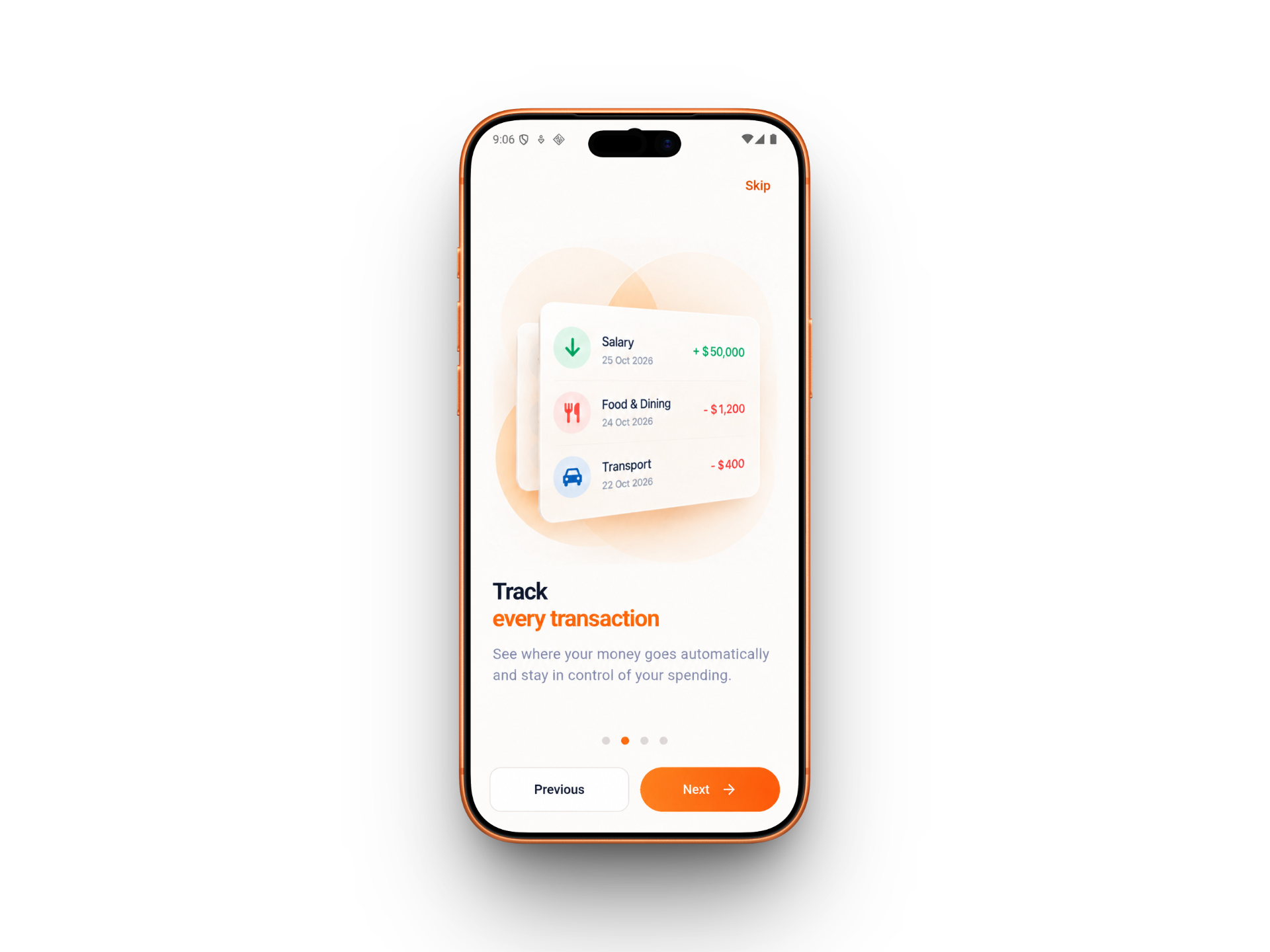
Most finance apps assume a salary, a card and a bank feed. SpendArc also understands cash, installments, savings circles and the money that moves between family and friends, wherever you live.
Sign up with your email and confirm the six-digit code we send you. Choose your country, currency and language.
Type a sentence, tap the microphone or scan a receipt. SpendArc fills in the details as a draft.
Check the amount and category, then confirm. Your dashboard, budgets and calendar update straight away.
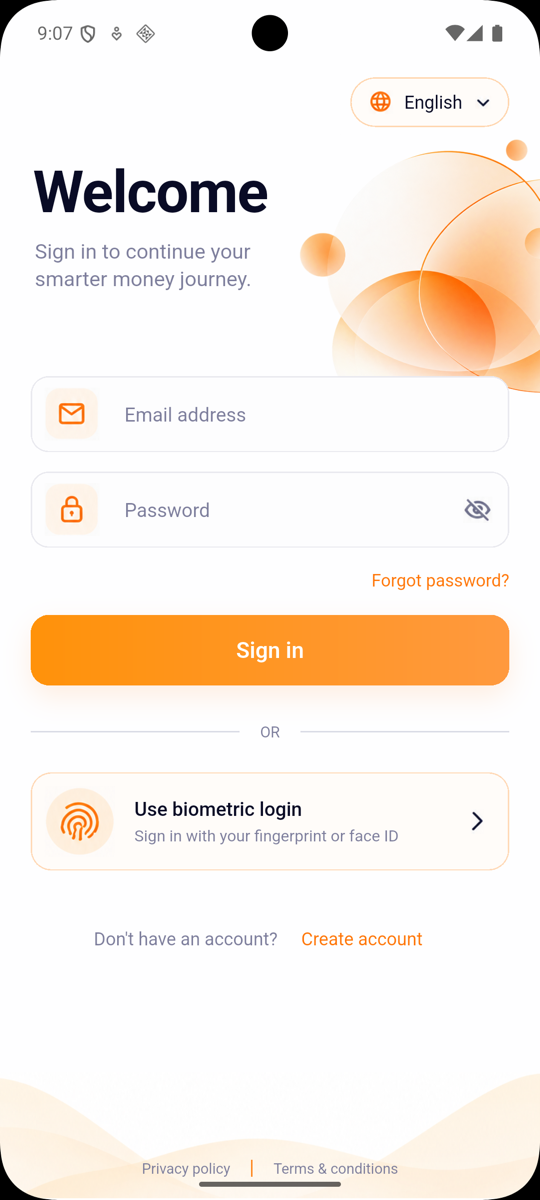
No. You add entries yourself by typing, speaking or scanning a receipt. SpendArc never asks for your bank login.
The app is available in English, Urdu and Arabic.
SpendArc fills in what it is sure about and marks the rest for you to check. An entry is only saved after you confirm it.
You can keep adding entries while offline. They are stored securely on your phone and sync when you are back online.
Go to Settings, then Privacy, then Delete account. You can also follow the account deletion page linked at the bottom of this site.
Your first entry takes ten seconds. Try "coffee 4.50".